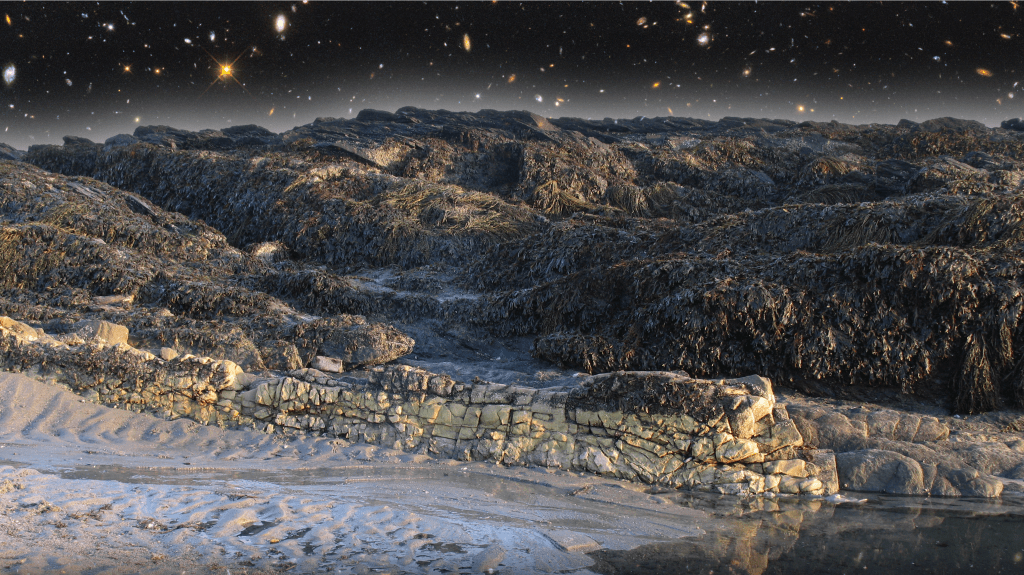

In order to complete this process, I first had to choose which pictures to use. I found a great picture of a sunset in a dark-orange light with the sun being visible. I decided to use a layer mask in Photoshop to combine the bottom of that picture with the top of a picture of the sky with scattered clouds. I then added a picture of the sun in the middle and the sky all around it, and I wanted to only have the sun in the picture, along with the sky and sunset. I used the paintbrush tool to select and delete everything in the 3rd picture except for the sun, after adding a layer mask.
 Noah's JRN 106 Blog