Infographic

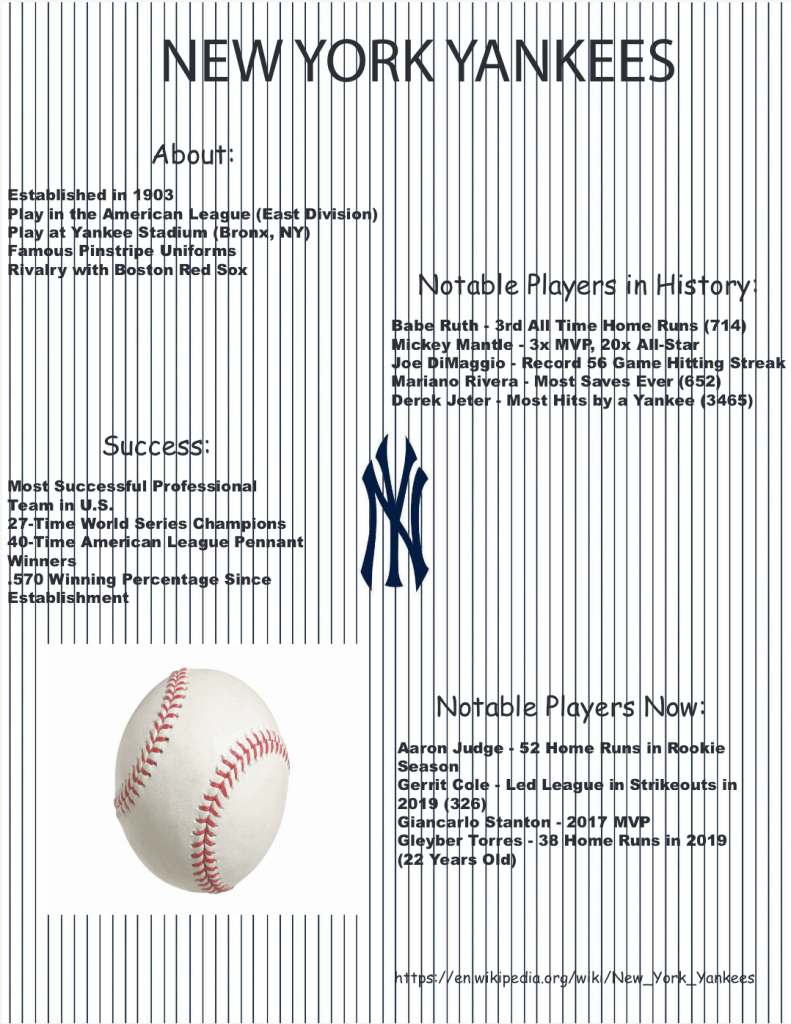
For this assignment I designed an infographic about the New York Yankees. I decided to use the Yankees because they’re my favorite baseball team and because they have a ton of history to share. I first thought about and researched facts on the Yankees. I divided the facts into 4 categories and then started working on Illustrator. I picked a background of Yankee pinstripes, made a separate layer to write the facts, changed the font of all my text, and added a picture of a baseball to complete the assignment. 

Publication Design

For this assignment I designed a poster about turtles with text also. I divided the page into 3 columns first to fit all the text. I placed 5 pictures of turtles around the page and a picture of an ocean background on the bottom half of the 3 columns. Then I separated the text into the 3 columns. I also added a title and sub title, and changed the size and font of those. I incorporated the pictures onto the page after making sure they weren’t over 100% their size. I also wrapped the text around one picture that I placed on the text. 

Simple Poster

For this assignment I designed a poster using InDesign, and images from Photoshop and Illustrator. I set up the page with 2 columns and a red outline called the bleed. I filled in the background with the color orange. I used 3 layers for this assignment: the background layer, the images layer, and the text layer. When it came time to insert the images, I locked the background layer, and I did the same for the images layer when writing the text at the end. I changed the font and size of the text, and I also used leading to create space between words on different lines. 

Pear

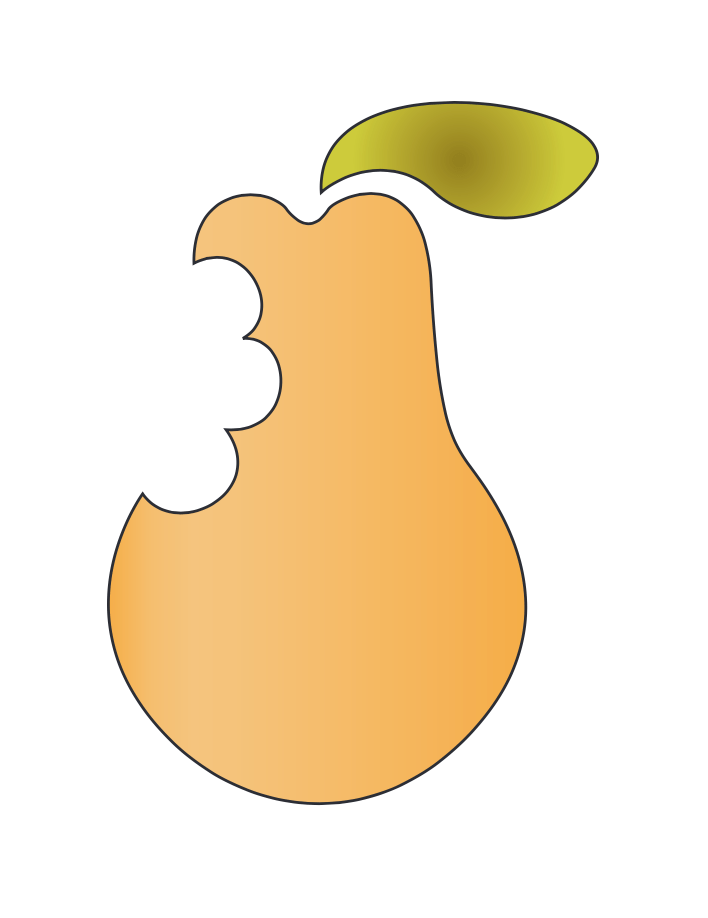
For this assignment I used the pen tool to trace an image of a pear. There was already a drawing of the outlining of a pear which told the steps to take in order to trace it. It gave letters with directions of how to use the pen tool. I had to drag lines from the center of several line segments over and over again until finally I got the end result of the pear and its leaf. I then colored it to complete the assignment.

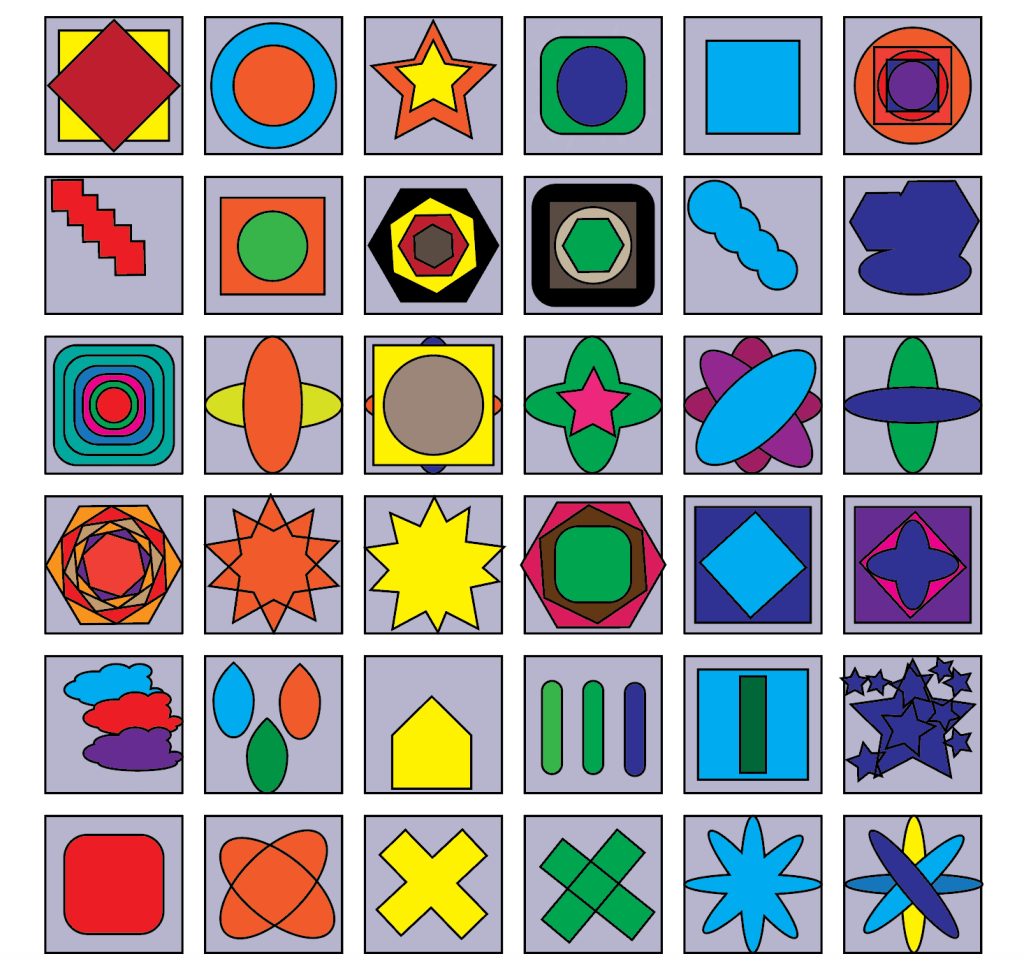
Boxes

For this assignment I used Illustrator to make several boxes and designs in each of them. I used many shapes, such as the rectangle, rounded rectangle, ellipse, polygon, and star tools in order to transfer them into the boxes. I used the rotate tool a lot to make the shapes look better in the boxes. I also used the unite and divide tools to take shapes that connect with each other and make their lines either appear or go away to make one singular shape. I then used a fill color to color the background of every box the same, and colored in each shape a different color.   

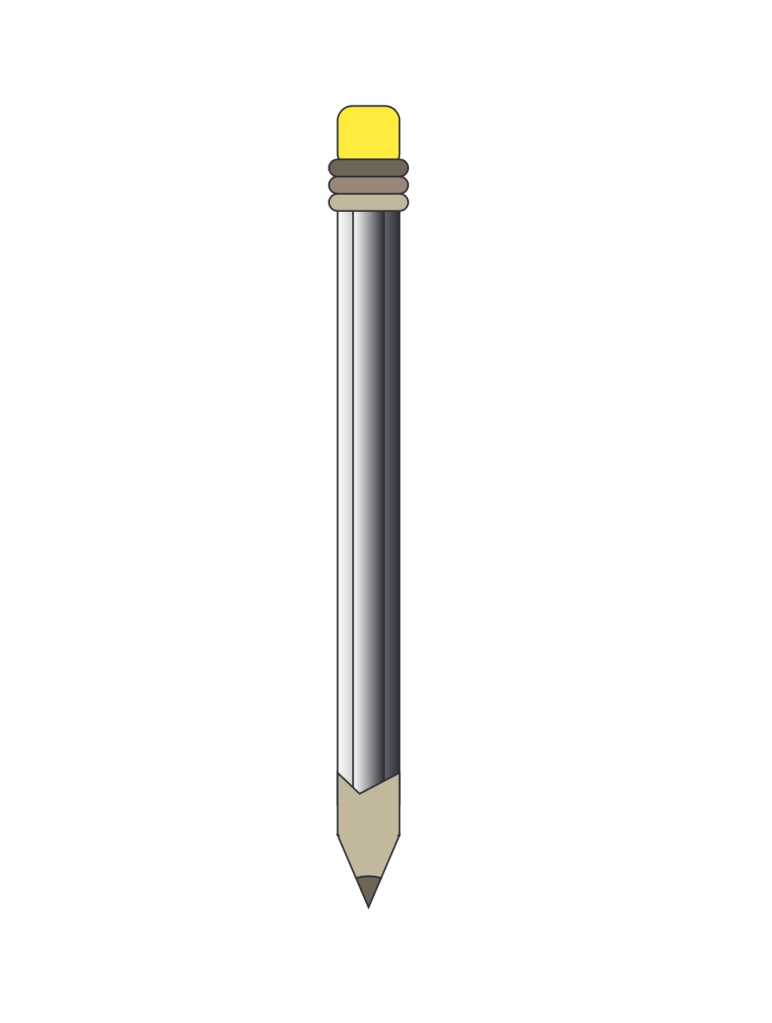
Building a Pencil

For this assignment I had to use tools in Illustrator to build a pencil. I first used the rectangle tool and made the shapes to begin. I then used the white selection tool to make the square and rectangle rounded. I used the anchor point tool to help make the tip of the pencil, and I also used the unite and divide tools in pathfinder. I put all the pieces together and finally used color, as well as the mesh tool. 

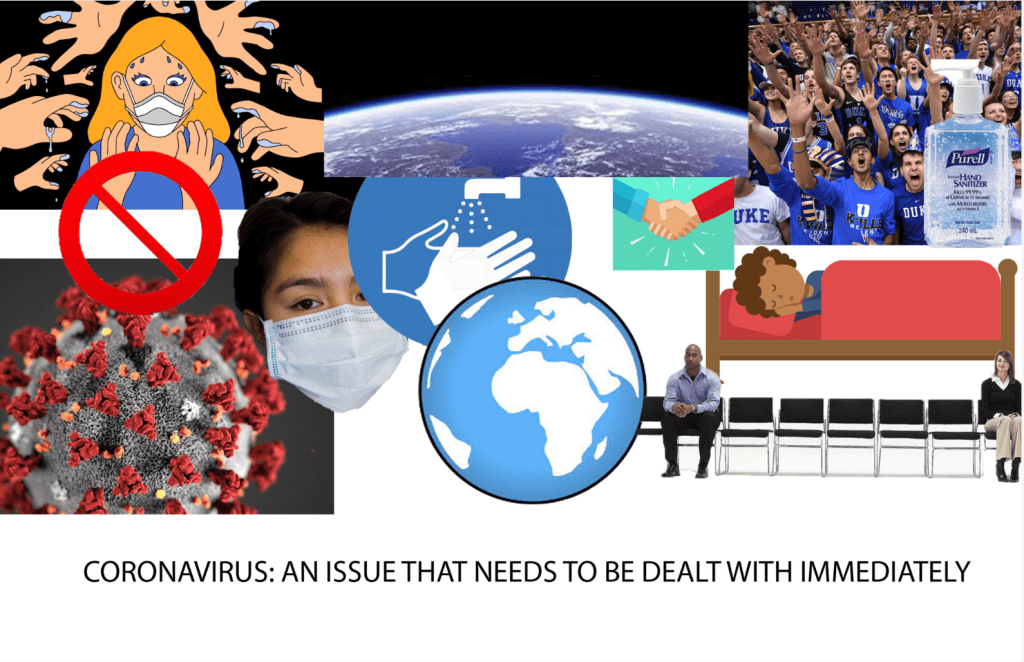
Design for Good Poster

The project was to make a social awareness poster, and I decided to do mine on the ongoing pandemic in the world; the coronavirus. I decided I was going to show pictures of things that cause the spread of the virus, such as close gatherings and touching each other, as well as things we can do to prevent it, such as wear masks and practice social distancing. I designed the bad things together and the good things together, and even put a “do not” sign over the coronavirus symbol and a picture of people reaching to touch someone else, which shows that this just leads to the further spread of corona. I included pictures of the earth to show that this virus is affecting people all across the world, and we need it to end soon.

Design a site like this with WordPress.com
Get started