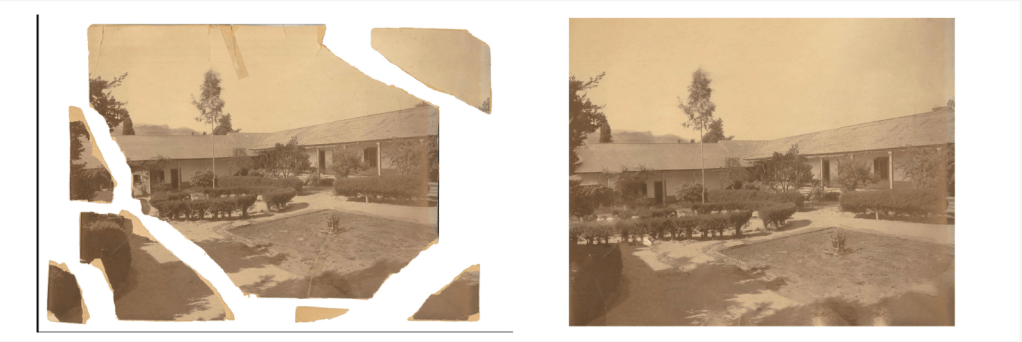
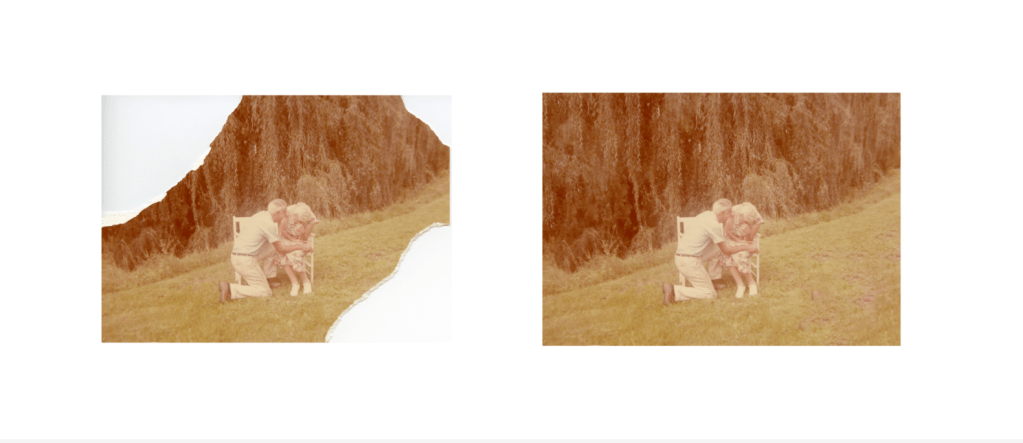
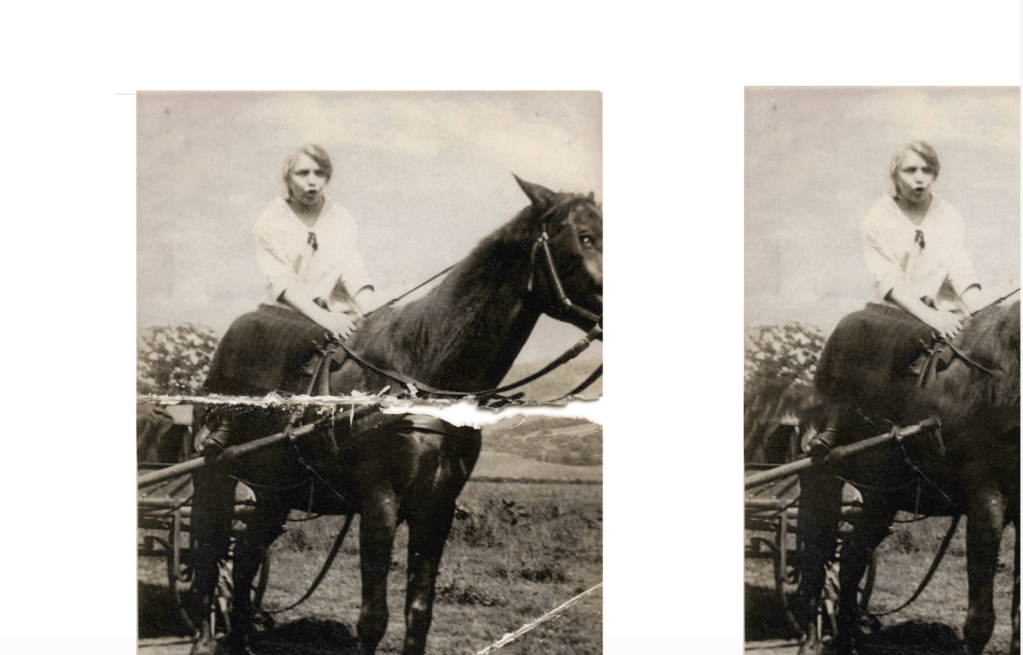
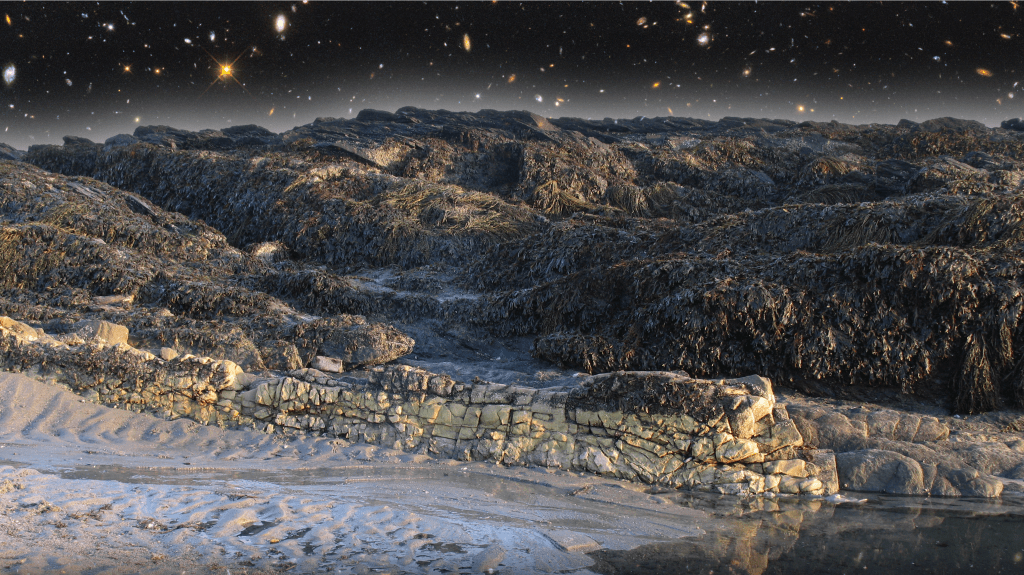
For this assignment I had to edit 3 different photos that had errors in them. I needed to use the fill tool a lot to get the hole or error in the picture to match the area around it. I also used the rectangular or lasso tool a lot for each picture in order to select the image and move certain areas to new ones. I had to rearrange a lot on one picture, I used the patch tool on another picture, and used the fill and paintbrush tool on the third.
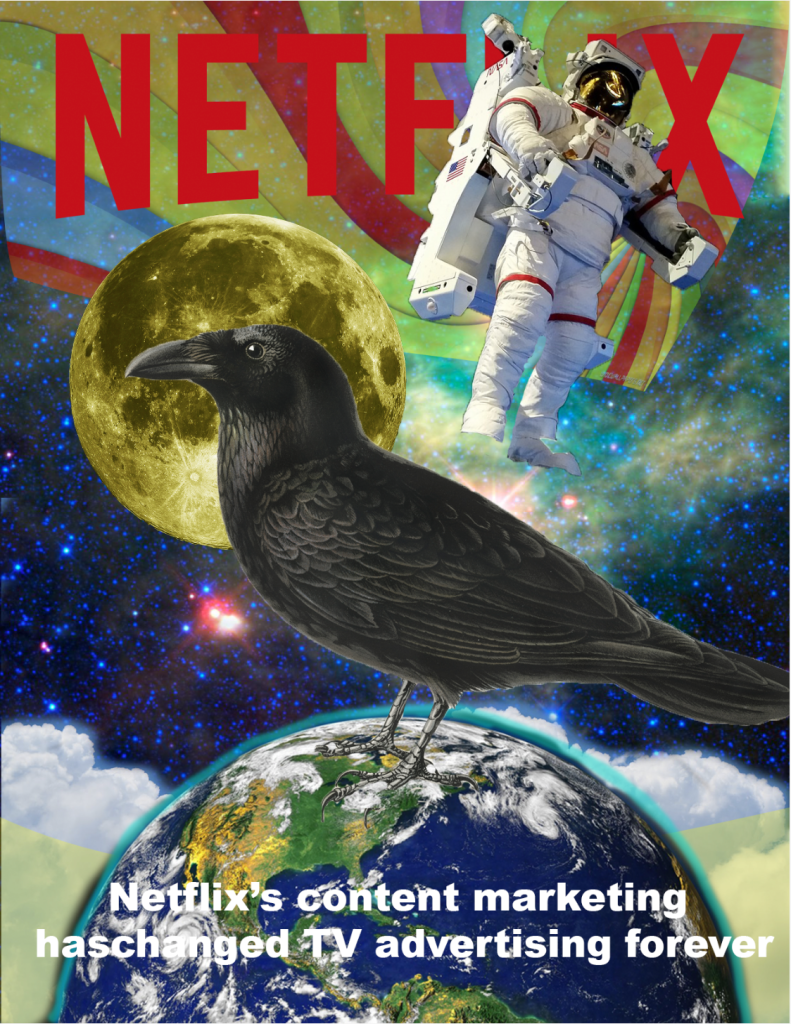
The original compositions assignment was to create a Netflix advertisement poster, and I decided to copy the one already made for us. After dragging each separate picture into a new layer and using the quick selection tool, layer masks, and image adjustments, I reached my final product. I adjusted the brightness/contrast on the moon to make it more of a yellow color, and I used the paint brush to make a light blue outline around the moon. I also used the eraser tool when I couldn’t only select the object from the original tab in Photoshop.
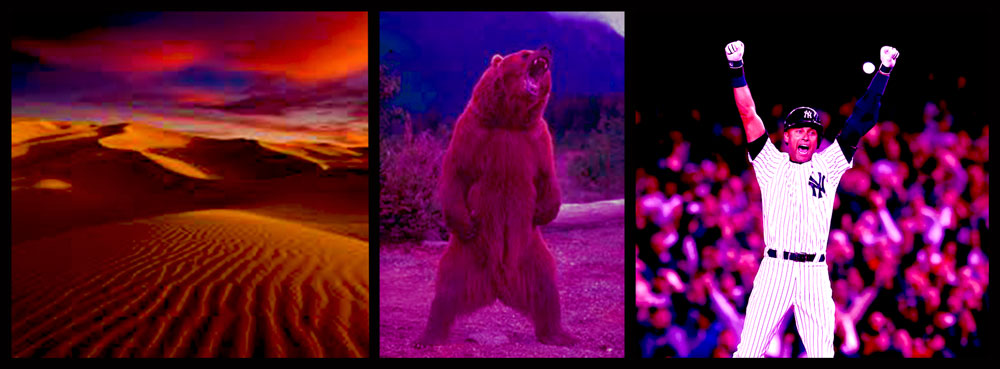
My three altered images are of a desert, a bear, and former Yankee Derek Jeter. I made similar changes to each picture in Photoshop. For all three pictures, I used adjustments to change the color, the brightness, and the overall composition. I used the image adjustments tool and played around with the settings with each picture until I thought it looked better and very creative. For the picture of the desert, the initial picture was very bright with light orange/pink clouds in the sky. I then adjusted the picture to make it darker, so that there is a better compliment with the dark blue sky and the dark orange clouds. For the picture of the bear, it was originally a plain picture of trees in a forest in the background. I changed the color to a more purple background, which makes the bear and the background blend in more. For the picture of Jeter, I kept the pinstripe jersey on him but made the background darker to show the contrast between him and the crowd.
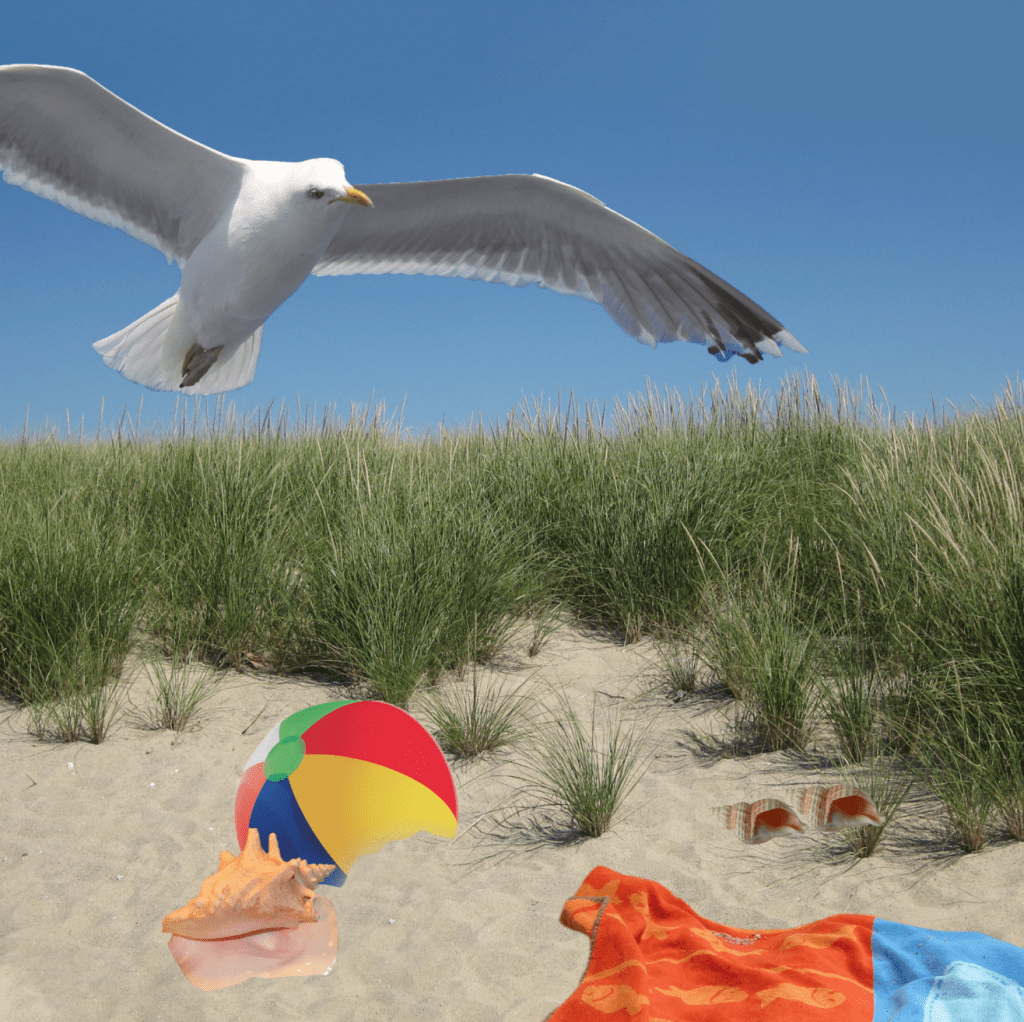
For this project I had to take several objects and rearrange them on a beach. For each item I used the Quick Selection tool to copy and paste them onto the picture of the beach. Then I adjusted the size and put each object in a different place. I also used the Last tool to put sand in front of a couple objects, to make it more realistic. I made sure there was no empty or negative space, and I am happy with the end result.
In order to complete this process, I first had to choose which pictures to use. I found a great picture of a sunset in a dark-orange light with the sun being visible. I decided to use a layer mask in Photoshop to combine the bottom of that picture with the top of a picture of the sky with scattered clouds. I then added a picture of the sun in the middle and the sky all around it, and I wanted to only have the sun in the picture, along with the sky and sunset. I used the paintbrush tool to select and delete everything in the 3rd picture except for the sun, after adding a layer mask.
I am Noah Epstein and I’m a freshman 3+1 journalism major at Quinnipiac. I’m from Melville, New York in Long Island and attended the Half Hollow Hills School District. I have several interests, and many of them involve sports. I love to play and watch sports with my family and friends. My favorite sport is baseball, and I have watched and played ever since I was little. My interest in sports led to my career aspiration of wanting to be a sports broadcaster. I have always had a huge passion for sports, and I would love to go into the field of communicating what happens on the field or court to the public. A first step that I could take in order to reach my goals is to get involved in student media here at Quinnipiac. I have already gotten involved in organizations such as QBSN, Q30, WQAQ, and the Quinnipiac Chronicle. Getting involved in these organizations can help give me experience working in sports media and can be a stepping stone towards my future career.

 Noah's JRN 106 Blog